Computer problems can interrupt work, school, communication, and everyday tasks without warning. For people and businesses looking for computer technical help in Dallas, Texas, the most useful support is not simply a quick fix. It should identify the cause of the problem, protect important data, and help the computer remain reliable after the immediate issue is resolved.
Technical problems can range from slow performance and software errors to Wi-Fi failures, printer issues, malware concerns, and hardware-related problems. A structured troubleshooting approach helps separate a simple configuration issue from a problem that needs professional attention.

Common Computer Problems Dallas Users Experience
Computer issues do not always have one obvious cause. Common problems include slow startup, applications freezing, unexpected crashes, storage limitations, operating-system errors, connectivity problems, and peripheral devices that stop responding.
- Slow computer or laptop performance
- Windows or application errors
- Internet and Wi-Fi connectivity problems
- Printer and scanner problems
- Malware and security concerns
- Software installation or configuration issues
- Backup and file-access problems
When Basic Troubleshooting Is Not Enough
Restarting a computer and checking cables can solve simple problems, but repeated failures may indicate a deeper issue. If a system regularly freezes, loses connectivity, displays unusual security warnings, or cannot run important software reliably, continuing to make random changes can make diagnosis harder.
Professional technical support can help establish what changed, test likely causes, and apply a solution without unnecessarily disrupting the rest of the system.
Computer Support for Home Users and Businesses
Home users may need help with laptops, printers, wireless networks, software, backups, or device configuration. Businesses often have broader requirements involving multiple computers, users, shared resources, cybersecurity, networking, and ongoing maintenance.
For organizations, managed IT services can provide a more proactive approach than waiting for every problem to become an emergency. For individual computer problems, IT support options can provide a practical path to technical assistance.
Why Remote Technical Support Can Be Useful
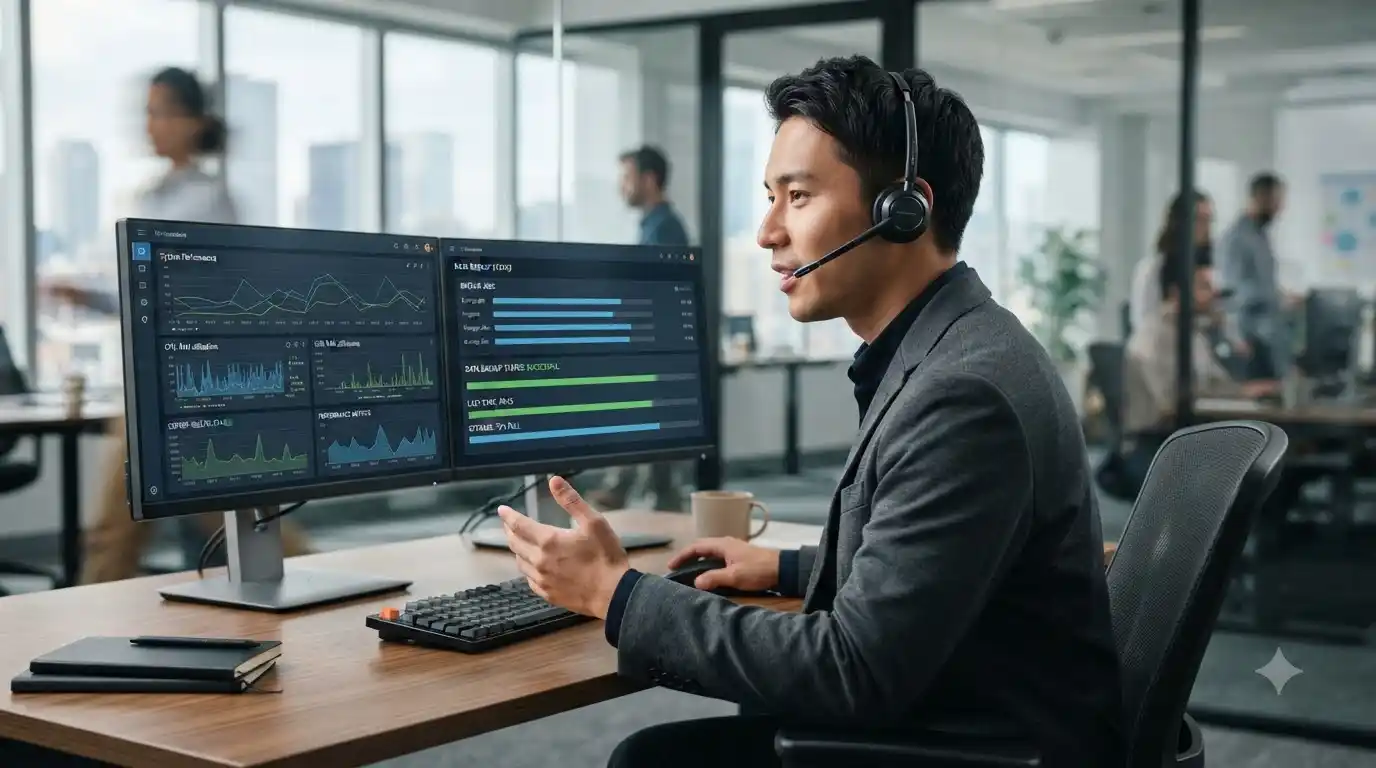
Many computer problems can be investigated remotely when the device has a working internet connection and the issue does not require physical hardware repair. Remote support can be useful for software configuration, troubleshooting, updates, application problems, account settings, and many connectivity issues.
When a hardware inspection is necessary, remote troubleshooting can still help narrow down the likely cause before the next step is taken.
How to Prepare Before Getting Computer Technical Help
- Write down the exact problem and when it started.
- Record any error messages or codes.
- Note whether the problem affects one application or the entire computer.
- Identify recent updates, installations, or hardware changes.
- Make sure important files are backed up when possible.
Keeping Your Computer Reliable
Good support should not stop after one problem is fixed. Regular updates, sensible security practices, adequate storage, reliable backups, and routine maintenance can reduce avoidable problems. If performance has gradually declined, a computer tune-up service may also be worth considering.
Frequently Asked Questions
What types of computer problems can technical support help with?
Support can cover software errors, performance problems, connectivity, printers, security concerns, backups, device configuration, and many other common technical issues.
Can computer technical help be provided remotely?
Many software and configuration problems can be handled remotely. Hardware faults may require additional physical inspection.
Should I keep using a computer that is repeatedly crashing?
Repeated crashes should be investigated, particularly if they are accompanied by data errors, unusual messages, overheating, or security concerns. Back up important data before extensive troubleshooting when possible.
When should a business consider managed IT support?
Businesses that depend on computers, networks, cloud applications, and security may benefit from proactive managed support instead of relying only on emergency troubleshooting.
Get Practical Computer Technical Help
The right support starts with understanding the actual problem rather than applying unrelated fixes. In System Tech provides technical support for computers, software, networking, security, printers, and other technology needs. If you need help diagnosing a computer issue, review the available technical support services and choose the option that fits your situation.