A computer that suddenly slows down, loses its internet connection, or refuses to open an important application can quickly become a serious interruption. For people and businesses seeking computer technical help in Austin, Texas, effective support should focus on diagnosis, security, reliability, and a solution that fits the actual device and situation.
Austin users may depend on computers for remote work, business operations, education, communication, creative projects, and everyday administration. When technology stops cooperating, knowing which problem to address first can save time and prevent unnecessary changes.

Common Computer Issues in Austin
Technical problems can involve hardware, software, connectivity, configuration, or security. Common examples include slow startup, application crashes, Windows errors, storage problems, Wi-Fi interruptions, printer failures, and suspicious security activity.
- Slow computers and laptops
- Software installation and application errors
- Windows troubleshooting
- Wi-Fi and network connectivity
- Printer and peripheral problems
- Malware and security concerns
- Data backup and recovery questions
Start With the Symptoms, Not Guesswork
A useful troubleshooting process begins by identifying exactly what the computer is doing. Does the issue happen every time or only with one application? Did it begin after an update or new installation? Does another user or device experience the same problem?
These details can help narrow the problem before changes are made. Repeatedly installing utilities or changing settings without understanding the cause can create additional complications.
Remote Computer Technical Support
Many software and configuration issues can be addressed remotely. Remote support can be useful for application settings, operating-system troubleshooting, updates, account configuration, performance issues, and many network-related problems.
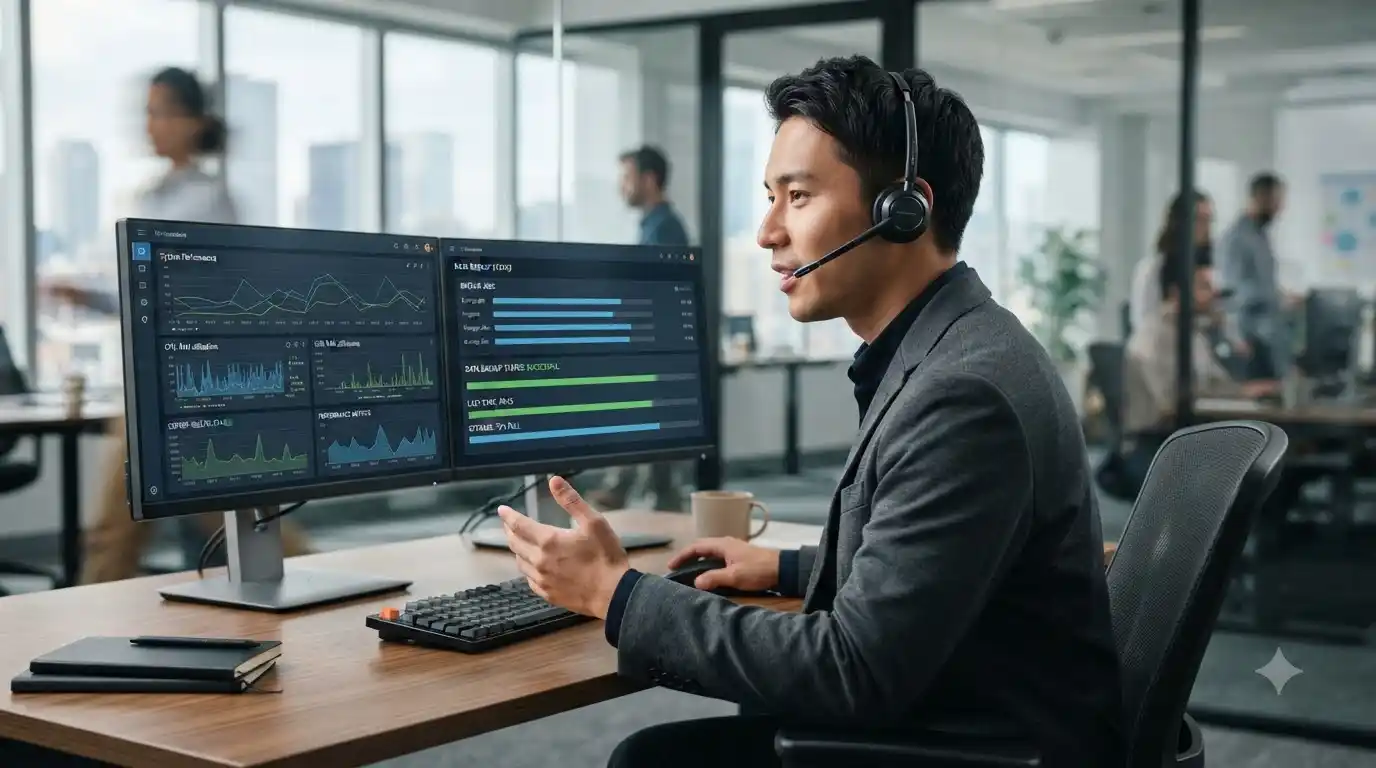
For businesses that need ongoing assistance rather than one-time troubleshooting, managed IT services can provide proactive maintenance and technical support. For individual support needs, IT support options can provide a direct route to assistance.
Computer Support for Austin Businesses
Businesses often depend on several connected systems at once. A problem with one workstation can affect shared files, applications, printers, communication, or productivity. Support therefore needs to consider the wider environment rather than treating every device as an isolated computer.
Managed support can include monitoring, maintenance, network assistance, security practices, backup planning, and troubleshooting. The exact approach depends on the organization’s systems and requirements.
What to Do Before Calling for Help
- Write down the error message or warning.
- Note when the problem started.
- Record any recent software, driver, or hardware changes.
- Check whether the issue affects other devices.
- Back up important files if the computer is still accessible.
Preventing Repeat Problems
Good computer maintenance includes keeping supported software updated, maintaining adequate storage, using appropriate security protections, and keeping reliable backups. If a computer has gradually become slower, a computer tune-up service may help identify maintenance and performance issues.
Frequently Asked Questions
Can technical support fix a slow computer?
Support can identify common causes of slow performance, such as startup load, storage limitations, software problems, updates, or other system issues. The appropriate fix depends on the diagnosis.
Can computer support be provided remotely?
Many software and configuration issues can be handled remotely. Problems involving physical components may require additional inspection.
What information should I provide to a technician?
Describe the symptoms, error messages, timing, affected applications, recent changes, and anything you have already tried.
When does a business need managed IT support?
A business may benefit from managed IT support when technology is critical to daily operations and proactive maintenance, security, networking, and troubleshooting are difficult to manage internally.
Get Computer Technical Help
Computer problems are easier to solve when they are approached systematically. In System Tech provides technical support for computers, software, networking, security, printers, and related technology needs. Explore the available IT services to find support appropriate for your situation.