Computer problems can become disruptive quickly when a device is needed for work, business, communication, or everyday tasks. If you are looking for computer technical help in Arlington, Texas, the goal should be more than getting the computer working for a few minutes. Effective support should identify the underlying issue and help improve reliability.
Common technical problems include slow performance, application crashes, Windows errors, internet connectivity problems, printer issues, security concerns, and backup difficulties. Each requires a troubleshooting approach based on the symptoms and system configuration.

Common Technical Problems in Arlington
Computer problems can develop gradually or appear suddenly. A system may become slower as storage fills, applications accumulate, updates change configurations, or hardware begins to show signs of wear.
- Slow computer and laptop performance
- Software errors and application crashes
- Windows configuration problems
- Wi-Fi and network connectivity issues
- Printer and scanner troubleshooting
- Malware and security concerns
- Data backup and recovery questions
A Better Way to Troubleshoot
Effective troubleshooting starts with the symptoms. Determine what is failing, when the problem began, whether it happens repeatedly, and whether another application or device is affected.
Recent updates, new applications, driver changes, or hardware modifications can also provide important clues. Making many unrelated changes at once can make diagnosis more difficult, so a systematic process is usually preferable.
Remote Computer Technical Assistance
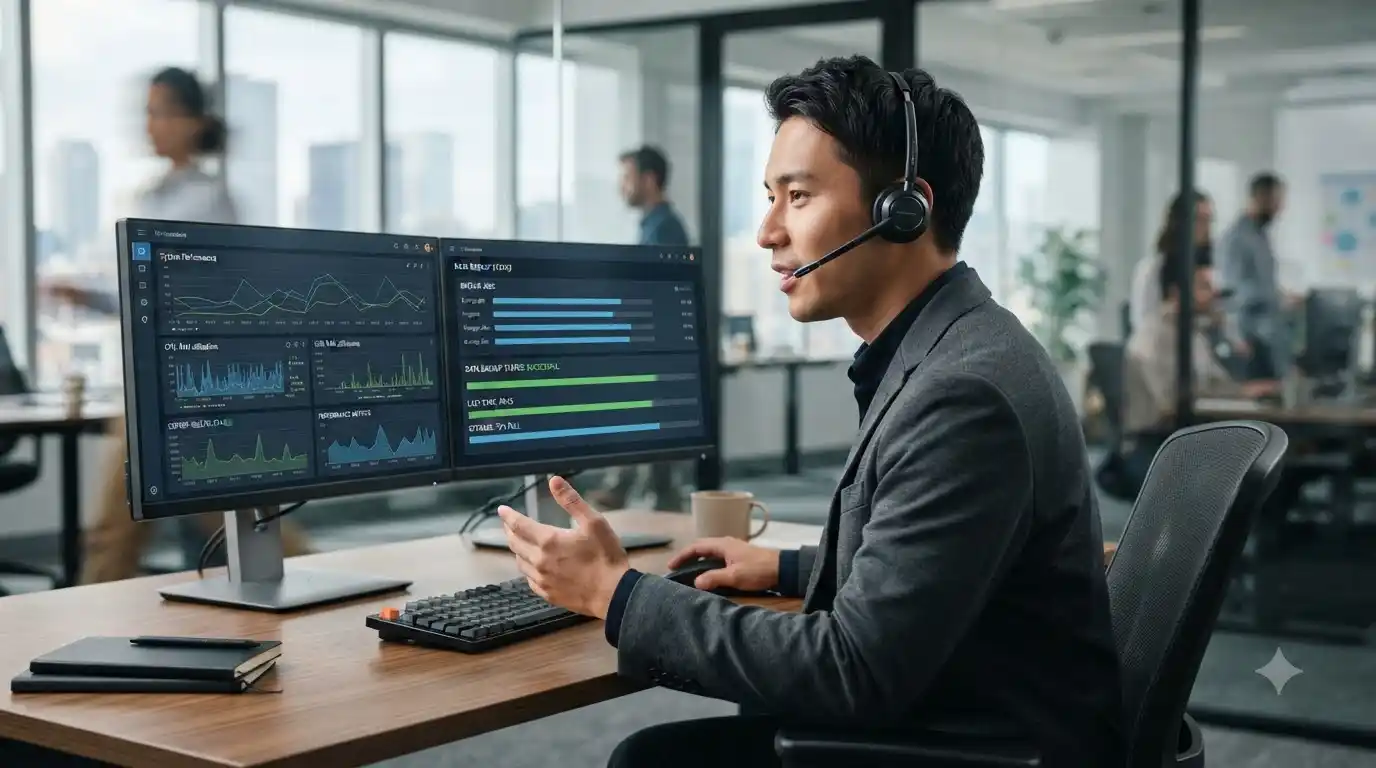
Remote support can be useful for many software, configuration, account, update, and connectivity issues. It allows a technician to investigate supported problems without requiring an immediate physical visit.
Businesses that need continuing technology management can explore managed IT services. Users with a specific support requirement can review IT support options.
Business Computer Support
For a business, a computer problem may affect email, shared files, cloud applications, printers, communication, or other connected systems. Support should therefore consider how the affected device fits into the wider technology environment.
Proactive maintenance, network support, security practices, and backup planning can help businesses manage technology more consistently rather than waiting for every issue to become an emergency.
How to Prepare for Technical Support
- Record the exact error message.
- Describe what happens before the problem appears.
- Note when the issue started.
- List recent updates or installations.
- Check whether other devices experience the same issue.
- Back up important information when possible.
Ongoing Computer Maintenance
Reliable computer use depends on routine care. Keep supported software updated, maintain adequate free storage, use appropriate security protection, and maintain current backups.
If performance has declined over time, a computer tune-up service can help assess system maintenance and performance needs.
Frequently Asked Questions
What problems can computer technical help address?
Technical support can help with many performance, software, Windows, networking, printer, security, backup, and configuration problems.
Can technical support be provided remotely?
Many software and configuration issues can be handled remotely. Physical hardware problems may require additional inspection.
Why should I avoid making many changes at once?
Multiple simultaneous changes can make it difficult to determine which action caused an improvement or created a new problem. A systematic approach makes diagnosis easier.
Does a business need ongoing IT support?
Businesses that rely heavily on computers, networks, cloud applications, and security may benefit from proactive support and maintenance.
Get Computer Technical Help
When technology is important to your work or daily routine, reliable troubleshooting matters. In System Tech provides support for computers, software, networking, security, printers, backups, and other technology needs. Explore the available IT services to find the appropriate support path.