When a computer problem affects work or everyday tasks, the most important step is understanding the cause. People searching for computer technical help in El Paso, Texas may be dealing with slow performance, software errors, network problems, printer issues, security warnings, or difficulties keeping files backed up.
Good technical support should provide practical troubleshooting rather than a one-size-fits-all list of fixes. The right approach depends on the device, operating system, applications, network environment, and symptoms.

Common Computer Problems
Every computer issue has different possible causes. A slow system may have too many startup applications or limited storage, while a connection problem could involve the device, router, software, or wider network.
- Slow or freezing computers
- Windows and application errors
- Internet and Wi-Fi problems
- Printer and scanner issues
- Software installation problems
- Security and malware concerns
- Backup and file-access issues
Why Random Fixes Can Make Problems Worse
Changing several settings at once can make it difficult to determine which action helped or caused a new problem. Professional troubleshooting usually begins by documenting symptoms, checking recent changes, and testing the most likely causes in a controlled sequence.
This is particularly important when the computer contains important business or personal information.
Remote Technical Assistance
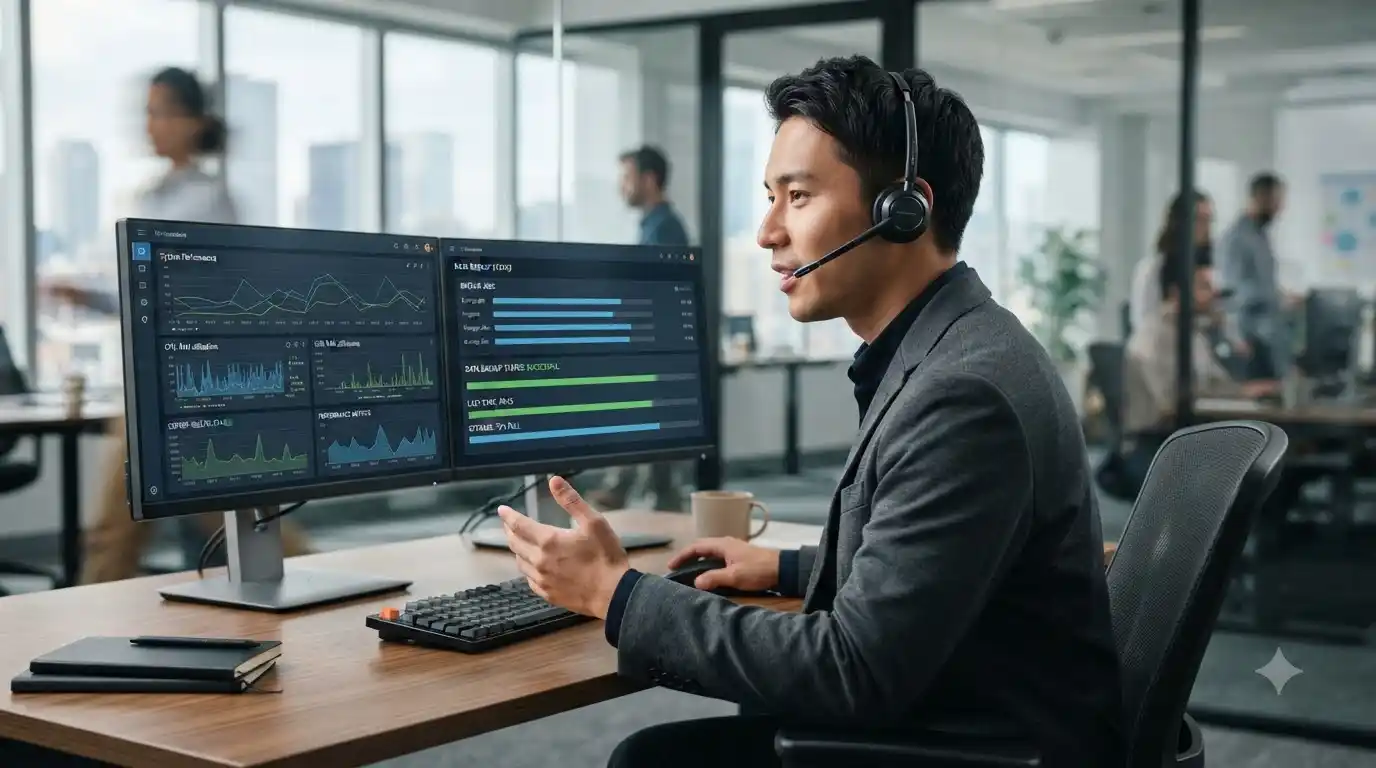
Many computer problems can be addressed remotely when the issue is related to software, configuration, accounts, updates, or supported connectivity troubleshooting. Remote assistance can also save time by allowing a technician to evaluate the problem without requiring an immediate on-site visit.
For continuing business technology needs, managed IT services can provide proactive support. Users seeking help with a specific technical issue can also review IT support options.
Computer Technical Help for Businesses
Businesses may depend on computers for email, customer records, accounting, communication, cloud applications, shared files, printing, and other daily functions. A single technical issue can therefore affect more than one employee.
Ongoing support can combine troubleshooting with maintenance, network assistance, security practices, and backup planning. The exact requirements vary by business.
What to Have Ready for a Technician
- The exact symptoms and error messages
- The date and approximate time the issue began
- Recent software, driver, or hardware changes
- Whether the issue affects other devices
- Any troubleshooting already attempted
- A current backup of important files, when possible
Preventive Computer Maintenance
Reliable computing involves more than repairing failures. Keeping software supported and updated, maintaining adequate storage, using sensible security practices, and maintaining backups can reduce avoidable interruptions.
If a computer has become progressively slower, a computer tune-up service can help evaluate performance and maintenance needs.
Frequently Asked Questions
What does computer technical help include?
It can include troubleshooting for performance, software, Windows, networking, printers, security, backups, and device configuration.
Can support be provided remotely?
Many software and configuration issues can be handled remotely. Hardware faults may require additional physical inspection.
What should I do before troubleshooting a serious computer problem?
Protect important files with a backup when possible and document the symptoms before making extensive system changes.
Can managed IT support help a business prevent technical problems?
Managed support can combine proactive maintenance, monitoring, security, backup planning, and troubleshooting to help reduce avoidable interruptions.
Get Practical Computer Technical Help
Whether the problem is affecting one computer or a business environment, accurate diagnosis is the foundation of a useful solution. In System Tech provides technical assistance for computers, software, networking, security, printers, backups, and related technology. Explore the available IT services to find an appropriate support option.