Reliable computers are essential for work, communication, learning, and business operations. When a device becomes slow, software stops working, or a network connection fails, finding the cause quickly matters. For anyone looking for computer technical help in Fort Worth, Texas, a structured support process can turn a frustrating problem into a manageable technical issue.
Computer support can involve performance, software, networking, printers, security, backups, and device configuration. The right solution depends on the symptoms and the condition of the system.

Computer Problems That May Need Technical Support
Some issues are temporary, while others indicate a configuration, software, network, or hardware problem. Common examples include computers that take too long to start, programs that crash, unstable internet connections, printers that cannot be found, and unusual security warnings.
- Slow startup and poor system responsiveness
- Application crashes and software errors
- Windows troubleshooting
- Wi-Fi and network problems
- Printer setup and connectivity issues
- Security and malware concerns
- Data backup and recovery questions
Why Diagnosis Matters
It is tempting to install a cleanup utility or change several settings when a computer behaves unexpectedly. That can sometimes make the situation harder to diagnose. A better approach is to identify what changed, reproduce the problem when possible, and test likely causes one at a time.
Technical support can be especially valuable when the problem returns after a temporary fix or affects important work.
Remote Computer Help
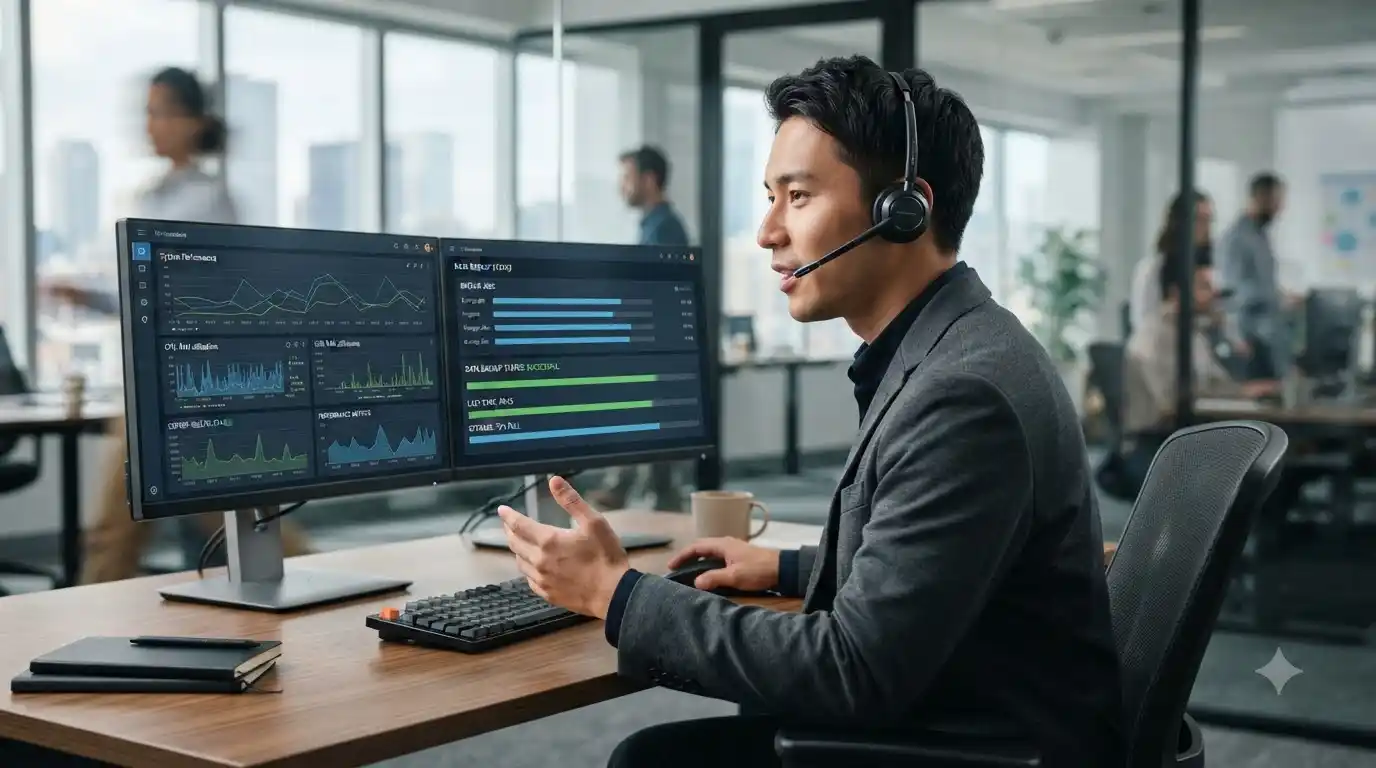
Remote assistance can be effective for many software and configuration problems. A technician may be able to investigate application errors, operating-system settings, updates, account configuration, and certain connectivity issues without an on-site visit.
For broader business requirements, managed IT services can support ongoing maintenance, security, networking, and troubleshooting. For a specific technical problem, IT support options may be a useful starting point.
Support for Fort Worth Businesses
Business computers rarely operate alone. Workstations may depend on shared networks, cloud applications, printers, email, file systems, and security controls. A technical problem therefore needs to be considered in the context of the business environment.
Proactive maintenance and monitoring can help identify issues before they become major interruptions. Backup practices and security controls are also important parts of a dependable technology environment.
Steps to Take Before Troubleshooting
- Describe exactly what is happening.
- Record any error message.
- Note when the issue began.
- Identify recent software or hardware changes.
- Check whether the issue affects other users or devices.
- Protect important data with a current backup when possible.
Keeping Computers in Better Condition
Regular updates, sensible security practices, adequate storage, and dependable backups all contribute to better computer reliability. If performance has gradually declined, a computer tune-up service can help identify maintenance and optimization opportunities.
Frequently Asked Questions
What computer issues can technical support address?
Support can cover many common software, performance, networking, printer, security, backup, and configuration problems.
Can computer problems be fixed remotely?
Many software and configuration problems can be handled remotely. Physical hardware problems may require additional inspection.
Why does my computer keep becoming slow?
Slow performance can have several causes, including startup load, storage constraints, software problems, updates, background activity, or hardware limitations. Diagnosis is important before choosing a fix.
When should a business use managed IT support?
Businesses may consider managed support when technology is important to daily operations and proactive maintenance, security, networking, and troubleshooting need ongoing attention.
Get Computer Technical Help
Computer support is most effective when the underlying cause is identified rather than repeatedly treating the symptoms. In System Tech offers technical assistance for computers, software, networking, security, printers, backups, and related technology needs. Explore the available IT services for the next step.